
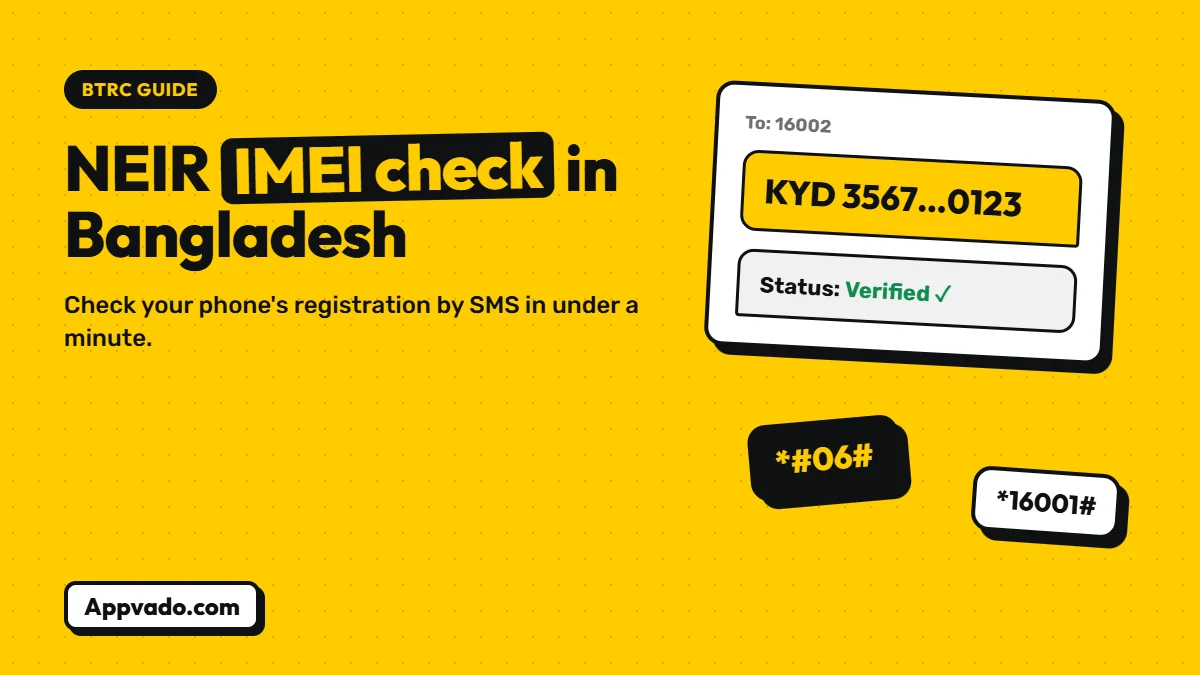
Before you buy a new or used phone in Bangladesh, you should check whether its IMEI is registered in the government’s mobile device database. This database is called NEIR (National Equipment Identity Register) and it is run by the Bangladesh Telecommunication Regulatory Commission (BTRC). A phone that is not properly registered, or that has been reported stolen, can be blocked from mobile networks.
The good news is that checking takes less than a minute and does not need any app. This guide shows you how to find your IMEI, check its NEIR status by SMS, see which SIM numbers are registered to your NID, and what to do if your phone shows as “Not Registered”.
What is NEIR?
NEIR is BTRC’s central register of mobile phone IMEI numbers in Bangladesh. According to the official NEIR portal, it lets you verify whether a phone is authentic, was imported legally, and has not been reported lost, stolen or cloned. Mobile operators use this database to decide which handsets are allowed on their networks.
For buyers, NEIR matters most in three situations:
- You are buying an unofficial phone from a shop or online seller.
- You are buying a used phone and want to be sure it is not stolen.
- You have brought a phone from abroad or received one as a gift.
Step 1: Find your phone’s IMEI number
An IMEI (International Mobile Equipment Identity) is a unique 15-digit number assigned to every phone. You can find it in four ways:
- Dial *#06# on the phone. The IMEI appears on screen immediately.
- Go to Settings → About phone → Status → IMEI (the menu name varies slightly by brand).
- Look at the sticker on the phone’s box.
- Check the purchase invoice.
Dual-SIM phones have two IMEI numbers, one for each SIM slot. BTRC advises checking each IMEI separately. Also make sure the IMEI on the screen matches the one on the box. If they do not match, treat it as a warning sign.
Step 2: Check IMEI status by SMS (KYD 16002)
This is the fastest method and works from any mobile operator in Bangladesh:
- Open your phone’s messaging app.
- Type KYD, add a space, then type the 15-digit IMEI. Example:
KYD 123456789012345 - Send the message to 16002.
- You will receive a reply SMS with the validity status of the handset.
KYD stands for “Know Your Device”. BTRC has also published a “BTRC KYD” Android app for the same check, but the SMS method works on any phone, including feature phones.
Step 3: Understand the result
| Status | What it means | What to do |
|---|---|---|
| Verified / Registered | The phone is legal and registered in NEIR with valid documents. | Safe to buy and use. |
| Not Registered | The IMEI has not been added to the NEIR database yet. | Ask the seller for documents, or submit a registration request on the NEIR portal. |
| Stolen or Blocked | The phone has been reported lost or stolen by its owner, or blocked by BTRC. | Do not buy it. If it is your phone, contact the NEIR support team. |
| Wrong model shown | The IMEI is linked to a different device, which may mean a cloned IMEI. | Avoid buying. If you already own it, register it or contact support. |
Step 4: Check which SIM numbers are registered to your NID
NEIR also lets you see every mobile number registered under your National ID, across all operators. This helps you spot SIM cards that someone else may have registered with your NID.
- Dial *16001# from any mobile number registered with your NID.
- When asked, enter the last 4 digits of your NID number.
- You will get an SMS listing all mobile numbers registered under your NID.
If you see a number you do not recognise, contact that operator’s customer care to deregister it.
What to do if your phone shows “Not Registered”
A new phone can show “Not Registered” if it has not been added to the database yet. In that case, the NEIR portal lets you submit a Device Registration request:
- Go to neir.btrc.gov.bd and log in. Login uses your NID details and a one-time password (OTP) sent to a mobile number registered to your NID.
- Choose the option to register a device and enter the IMEI.
- Upload clear copies of the documents the portal asks for, such as the purchase invoice or, for a phone brought from abroad, travel documents.
- Submit the request. BTRC reviews it and notifies you of the result by SMS. You can also check the status on the portal.
The exact documents and rules differ for phones bought in Bangladesh, phones brought from abroad and phones used by foreign visitors (the portal calls this “Special Registration”). Always follow the latest instructions on the official portal, because BTRC updates them from time to time.
Buying a used or unofficial phone? Use this checklist
- Dial *#06# and compare the IMEI with the box and invoice.
- Send KYD <IMEI> to 16002 for both IMEIs on a dual-SIM phone.
- Do not pay until you get a “Verified” or registered reply.
- Get a written invoice with the IMEI number on it.
- For a used phone, ask the seller to remove the phone from their accounts (Google, Samsung, Mi) and reset it in front of you.
Comparing official and unofficial prices? See our list of the best phones under 20,000 taka in Bangladesh, and read our guide to official vs unofficial phones.
Watch out for fake NEIR websites
The only official NEIR portal is neir.btrc.gov.bd. Never enter your NID, date of birth or OTP on any other website or share your OTP with anyone who calls you claiming to be from BTRC or an operator. Checking an IMEI by SMS does not require any personal information.
Frequently asked questions
How do I check if my phone is registered with BTRC?
Send KYD, a space, and your 15-digit IMEI to 16002. You will receive an SMS with the phone’s registration status. You can also check on the NEIR portal at neir.btrc.gov.bd.
Is the KYD 16002 check free?
BTRC introduced the KYD service so consumers can check a phone’s legality before buying. Normal SMS charges from your operator may apply, so check with your operator if you are unsure.
My phone has two IMEI numbers. Which one should I check?
Check both. Each SIM slot has its own IMEI, and BTRC recommends checking each one individually.
What does “Stolen or Blocked” mean?
It means the phone has been reported lost or stolen by its owner, or it has been blocked by BTRC. Do not buy a phone with this status.
How can I see all SIM numbers registered to my NID?
Dial *16001# from a number registered with your NID and enter the last four digits of your NID. You will receive an SMS listing all numbers registered under it.
Sources: BTRC NEIR Citizen Portal (checked 25 October 2026). Related: BTRC’s plan to end 2G by 2029.